
Complete List of the Webpage Templates
Explore every pre-built landing page at your fingertips—ready to showcase your brand and boost engagement.
From opt-in forms to class shopping pages, this guide walks you through each page type and shows you exactly how to link them inside emails, texts, and social media for seamless lead conversion.

Where To FInd Your Landing Pages:
Your subscription comes with pre-loaded web pages ready to use! Follow the steps below to easily link and start sharing them today!
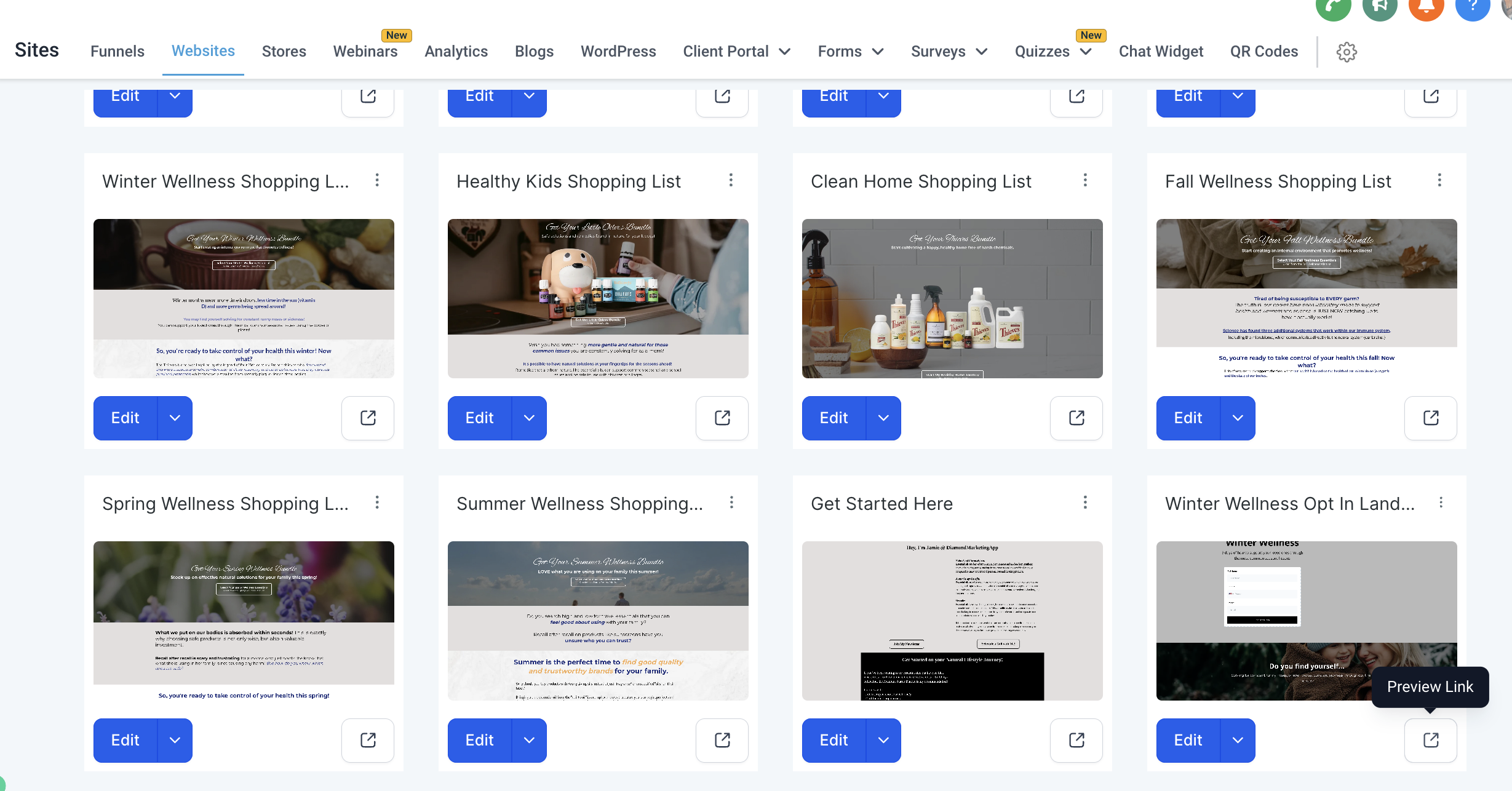
Head to the 'Sites' tab and select 'Websites' from the top trop down.
Select 'Landing Pages'
Here is your complete landing page template library
How To Link Your Landing Pages:
Find the Landing Page you would like to link
Click the Preview Box Icon on the page
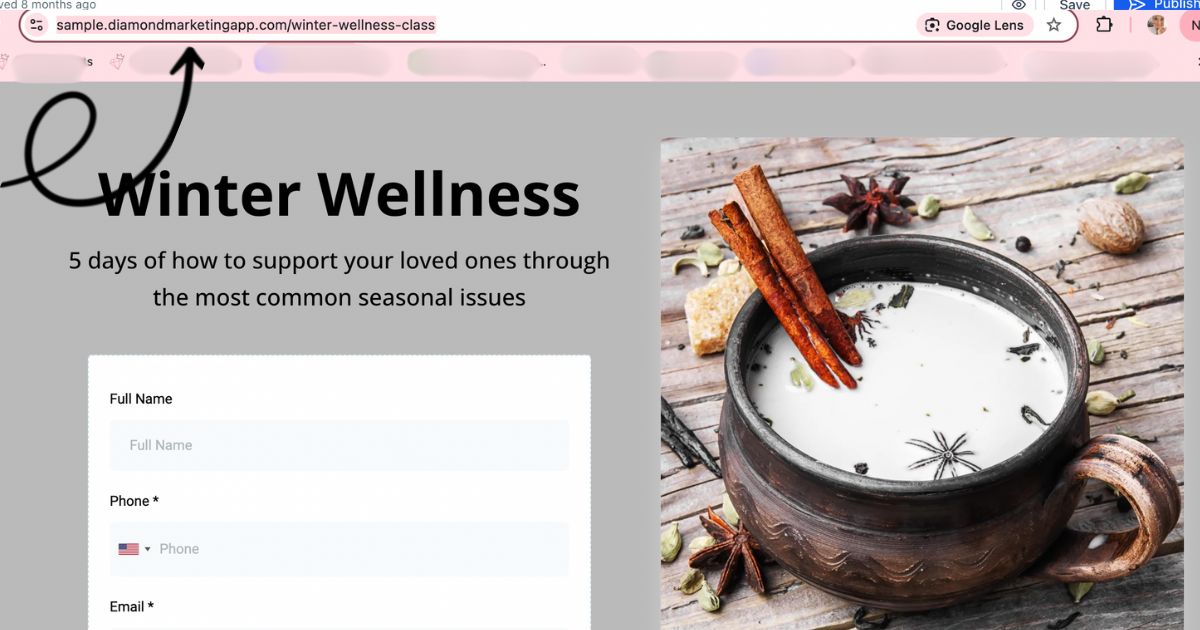
When the preview opens up, Copy the page url link to share
Save these links into a note for easy access!
Use The Monthly Blend Landing Page:

The Monthly Blend is your go-to for sharing Young Living’s monthly announcements—plus exclusive oily blends, tips, and the
Class of the Month featured in your newsletter.
How to Use It: Share the link in your oily groups or create a lead magnet email to send it directly to new subscribers—it’s a great way to keep your audience engaged and in the know!
✨Bonus: We update the content for you on the 2nd of each month, but your link never changes. Once it’s pinned in a group or posted on social, it will automatically refresh with the latest info—no extra work needed!
Link Your Monthly Blend Landing Page:
Head to the 'SITES' Tab: Log in to your Diamond Marketing portal and navigate to the "SITE" tab in the main menu
Select 'Websites': From the dropdown menu, click on "Websites"
Access 'Landing Pages': Locate and click on the "Landing Pages" section
Scroll to the Monthly Blend: Scroll through the list of landing pages to find the one you want, such as "The Monthly Blend"
Grab Your Unique Link: Click the Preview Icon on the Monthly Blend landing page. This will open your unique link, which you can copy and share.
You’re all set to share your Monthly Blend page with your audience!
Complete List of Your Included Webpages
The Class Opt-In Pages:
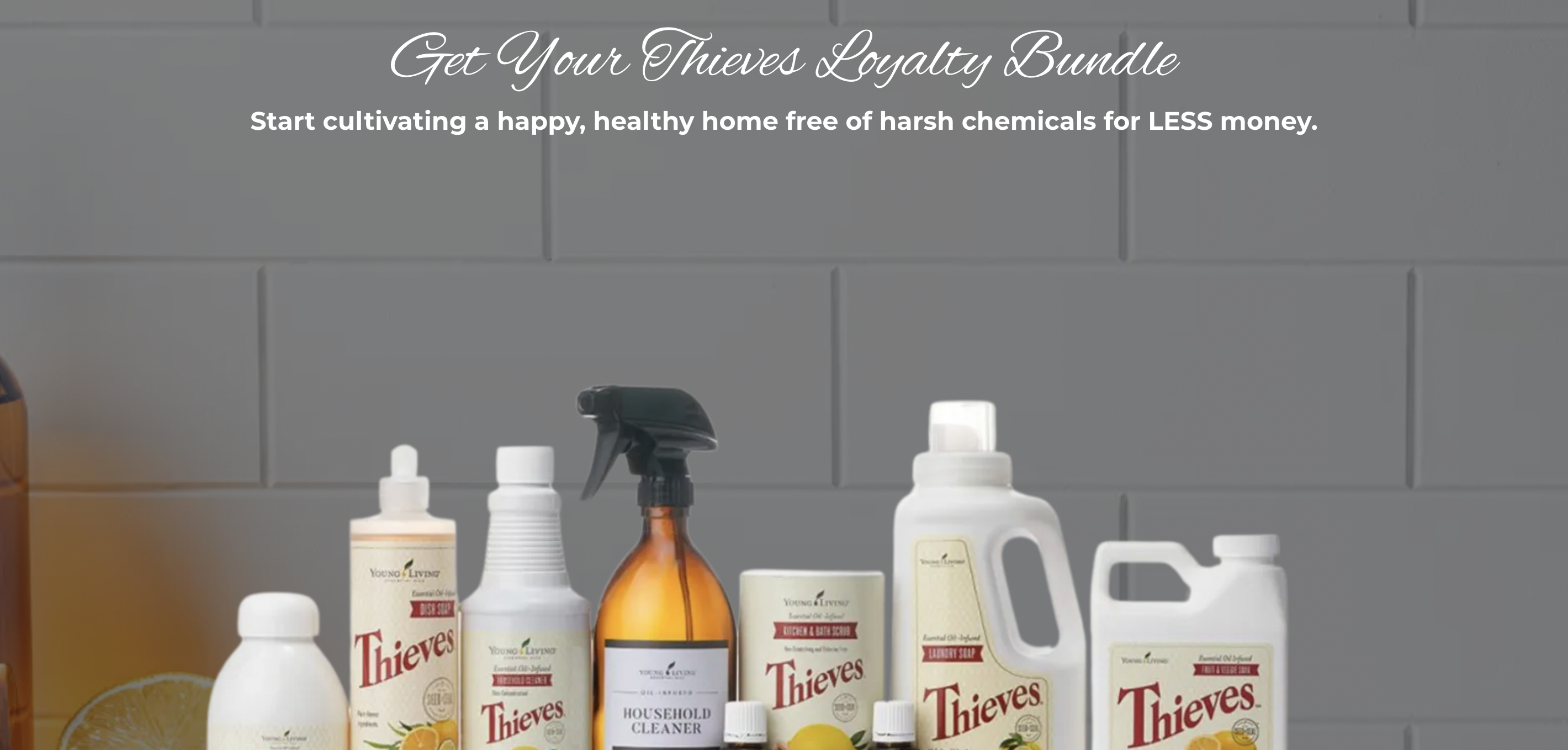
The below landing pages can be linked in your Newsletter Templates in place of the text trigger Call-to-Action already included to join the class of the month.
You can also link on social media when you want more contacts to take a class! When you integrate social media (use our ManyChat feature for Leader & Mentor Plans), followers can DM you trigger words to automatically receive a response back the below links to join the classes. See the Social Media Integration lesson for more info on this!
What's Included and Sample Links:
Wellness for Less (Loyalty Rewards) Class
14-Day Reset Complete Guide Email and Daily Reminders
If you are on the Modern + Co Team: You also have these additional Opt-Ins for Annie's exclusive classes:
Not on the M+Co Team and want one of these classes? Purchase them here. (these are one time purchases and you will have the classes for the life of your subscription)
The Wishlist Shopping Pages:

These pages are already linked at the end of all your DM classes so contacts can select what they want prior to heading to the wishlist!
We sell each item from your class a little more on these pages, with beautiful pictures and click-worthy descriptions! You can also link these shopping pages on social media and send them automatically to followers using our Social Media Integration (ManyChat feature) trigger words.
Pages Included and Sample Links:
Wellness for Less (Loyalty Rewards) Shopping Page
Modern + Co Shopping Pages:If you are on the Modern + Co Team: You also have Shopping pages:
Ningxia
Oils + Emotion
Inner Beauty Collagen
Note on the M+Co Team and want one of these classes? Purchase them here. (these are one time purchases and you will have the classes for the life of your subscription)
The Lead-Magnet Pages:
A Lead Magnet is a valuable resource or incentive offered for free to attract potential customers (or leads) and encourage them to share their contact information, such as their email address or phone number.
Lead magnets are often used in marketing to build an engaged list of contacts who are genuinely interested in your content, products, or services. They provide a win-win scenario: you gain a lead, and the lead gets something valuable in return.
Your In-Person/Vendor Event Lead Magnet
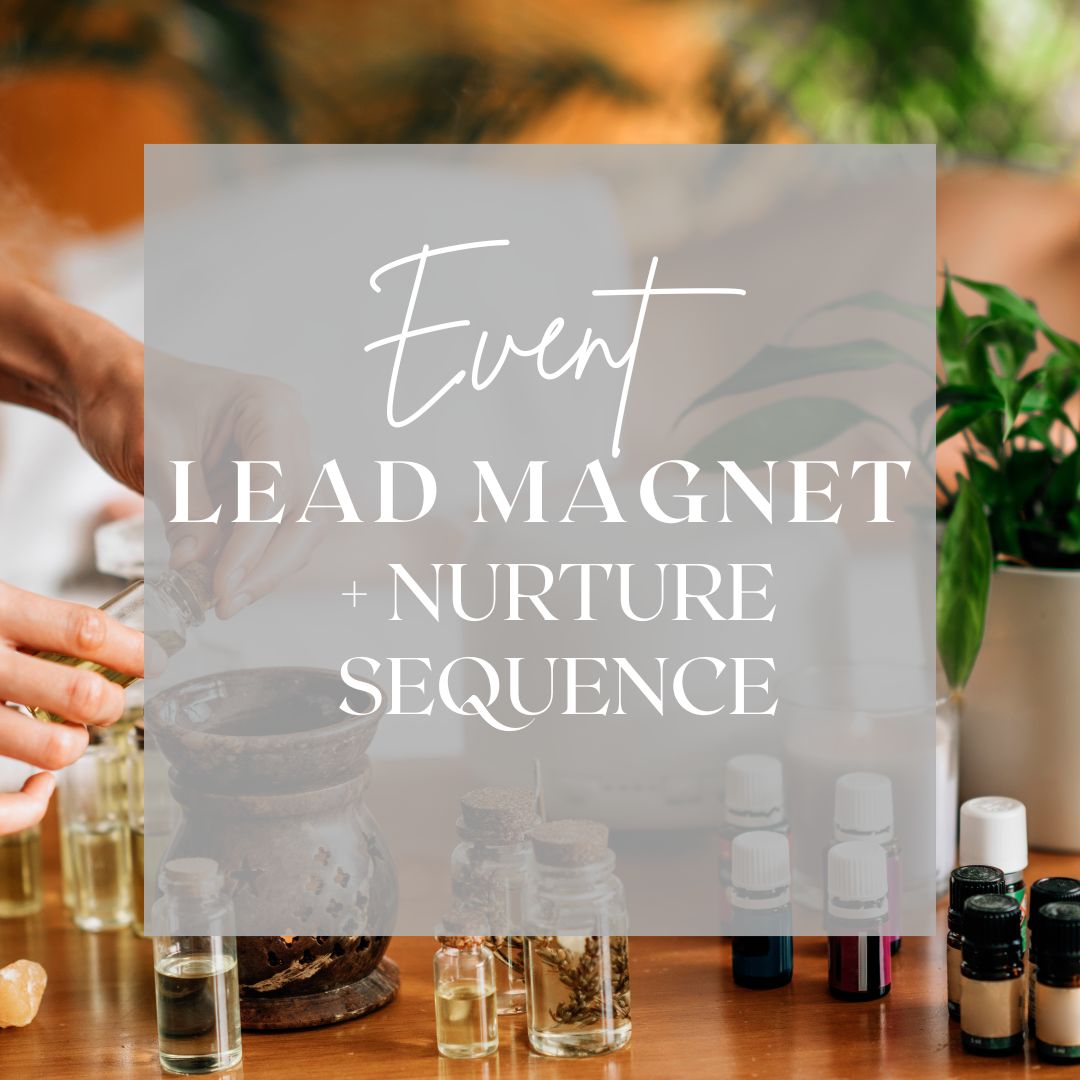
A dedicated event lead magnet webpage with an attached form, making it convenient for your audience to participate in an oily giveaway in exchange for opting into your weekly text tips. (staying in touch with you weekly!)
Capture leads effortlessly by creating a QR code to display at your event. The webpage Event Lead Magnet Opt In is designed to capture your lead's information using the form: Event Lead Magnet that triggers the workflow: In-Person + Vendor Event Lead Magnet. This workflow sends the Weekly Oily Tips, tags them as Event Lead to trigger the workflow: In-Person/Event Lead Nurture Sequence that will send the 4-part nurture email series!
Your Zyto Link
A webpage for easy opt-in to receive an a scan and book a wellness-call with you-perfect for sharing across social media, emails, or during in-person events to draw leads into a targeted wellness plan from you!
The webpage: Zyto Scan + Wellness Call uses the form:
Zyto Link to trigger the workflow: Zyto Scan which sends your Zyto link and follows up with a link to book a wellness call with you. The workflow tags them as 'subscribed' so they are added to your email/newsltter smartlist.
Large Call to Action Headline
12 Days of Holiday Deals + Gift Guide

This Lead Magnet form can be shared with your customers in November. When customers fill out the form, they’ll be added to the 12 Days of YL Deals & Gift Guide series and will start receiving all 12 daily emails when the Black Friday Sales launch.
The webpage: Lead Magnet Form uses the form:
Lead Magnet Newsletter Subscribe to trigger the workflow: 12 Days of YL Holiday Deals and Gift Guide CONFIRMATION which sends contacts the email template: Welcome to 12 Days of Holiday Deals + Gift Guide and tags them 'subscribed to add them to your newsletter/email smart list and 'engaged' so you can filter for engaged contacts in the future.
Health Share Complete Guide Lead Magnet Email List

Attract Leads to your Email List! Whether your contacts are curious about what Health Shares are after reading your emails and posts or seeking information on how they can benefit and meet their family's needs, our new Complete Guide Email has you covered!
The webpage: Health Share Complete Email Guide
uses the form: Health Share Complete Guide Email to trigger the workflow: Health Shares + Holistic Care Explained which sends the email template: Lead Magnet: Health Share + Holistic Care Explained and tags your contact as 'subscribed' to be added to your newsletter/email smart list!
Your Referral Link
Now, your customers can access their unique referral links instantly, enabling them to share their favorite Young Living products with friends and family with unparalleled ease.
We're thrilled to unveil a revolutionary enhancement to streamline your customers' sharing process and empower them like never before!
Gone are the days of needing to provide step-by-step instructions for them to grab their own link.
Your Brand-Specific Pages:
Showcase your business with polished, personal pages built just for you!
These ready-to-use pages—including your Get Started Here Page, Care Call Booking Page, and Email Subscription Page
—are designed to make a powerful first impression. While fully functional as-is, they’re meant to be personalized with your
photo, branding, and personal touch to reflect your unique style and connect more deeply with your audience.
Let your brand shine—no design skills required! ✨
Your Get Started Here Page:


Ready to take your essential oil business to the next level? Your "Get Started Here" page is the perfect place to share your story and make it easy for others to dive into oils and natural living!
On Your 'Get Started Here' Page you will:
Share About You: Add your photo and a short bio so visitors can get to know you.
Highlight Three Bundles You Recommend: We have featured three bundles for leads to start with so you can use this page right away!
Link to All Your Text Classes: Links are included to join your Young Living Oils classes, helping visitors dive deeper into specific topics like Natural Cleaning, Seasonal Support, or Seasonal Tips.
Invite Visitors to Subscribe: Encourage visitors to stay connected by subscribing to your newsletter—it’s the best way to keep them informed and engaged with your oily business!
Book-a-Call Button: Add a simple button where they can schedule a one-on-one chat with you. This makes it easy for them to ask questions or get personalized recommendations.
Take a few minutes today to personalize your page and make it authentically YOU!
Your Care Call Booking Page:

This step allows you to set up Diamond Marketing calendar and link it on your Book-a-Call Webpage.
Your Diamond Marketing Calendar can sync with your Google Calendar, ensuring that your personal events are automatically blocked out in your availability. You'll never have to worry about double bookings or scheduling conflicts again.
Additionally, you can enable email notifications for whenever a call is booked through your webpage. This will help you stay updated on your upcoming appointments effortlessly!
Email Subscription Page:


This page is designed to help you grow your email list by allowing visitors to subscribe to your newsletter or emails. To make it more personal and relatable, we recommend replacing the placeholder photo with your own picture.
The form on this page is linked to a workflow: New Email Subscriber that will send the email template: Email Subscription Confirmation.
*Head to the Marketing Tab and find the Email Subscription Confirmation to personalize that email!

Diamond Marketing is a customer care platform design for Young Living Brand Partners. All content provided by Diamond Marketing is the property of Diamond Marketing App LLC and cannot be copied or redistributed outside of Diamond Marketing. without prior consent.