
Let's Connect a Custom Domain to Diamond Marketing

Ready to take your Young Living business to the next level? This lesson will walk you through connecting your custom domain step-by-step.
Showcase Your Brand: Your webpages will feature your unique domain, reinforcing your professionalism.
Banded Email Address: Gain the ability to create a matching email address for seamless communication.
You now have access to pre-built and customizable landing pages designed to help you show up with confidence, connect with customers, and grow your brand with ease! Whether you're hosting a class, sharing your story, offering a giveaway, or showcasing your favorite oily picks, these landing pages make it simple (and beautiful) to share your message.Here’s what’s waiting for you:
✅ A Complete Library of Pre-Built Templates – From opt-in pages to wishlist shopping and newsletter signups, everything’s done for you!
✅ Customizable Designs – Personalize the pages with your name, photo, and links to make them totally YOU.
✅ Quick Set-Up – No tech stress. Just plug in your info and publish.
✅ Professional Vibes – These pages make you look polished and put-together, even if you're building your biz during nap time.Your customers get oily and natural lifestyle information. You get results. Everyone wins!
Link Your Custom Domain
How To Point Your Custom Domain to Diamond Marketing:
Pointing your domain will not allow you to use it anywhere EXCEPT inside of Diamond Marketing. This option is great for Brand Partners who own a domain and do not have a website or do not want to keep their current website. To keep your current website, purchase a new domain for Diamond Marketing.
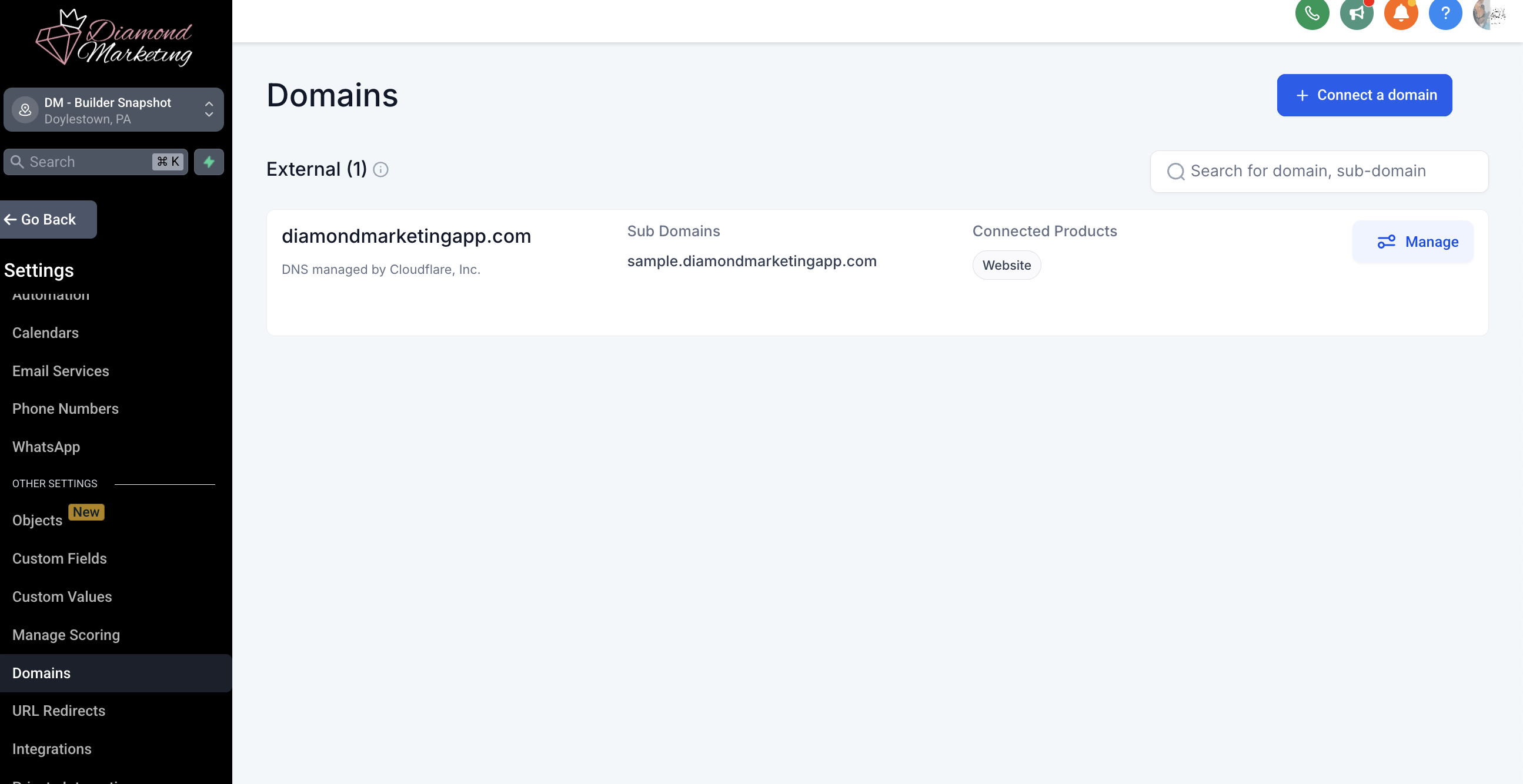
Step One: Inside of Diamond Marketing
Navigate to the Settings Tab
Select Domain
Select + Connect a Domain
Type your domain name
You will be re-routed to your domain login to approve
We can help with this step! For Godaddy domains or NameCheap domains give [email protected] dlegate access and we will take care of this for you!
Step Two: Inside your Domain
You are going to add two records to your domain's DNS settings.
If your domain was purchased through GoDaddy, here's an easy-to-follow tutorial. Most domain registrars are similar, so if you purchased from another company like Google Domains, Name Cheap, etc. you can contact their support, and they will help you with this. (or check YouTube for a tutorial - there are tons!)
DNS Records:
Type: A
Host: @
Points to: 162.159.140.166
TTL: 1 hour
Type: CNAME
Host: www
Points to: sites.ludicrous.cloud
TTL: 1 hour
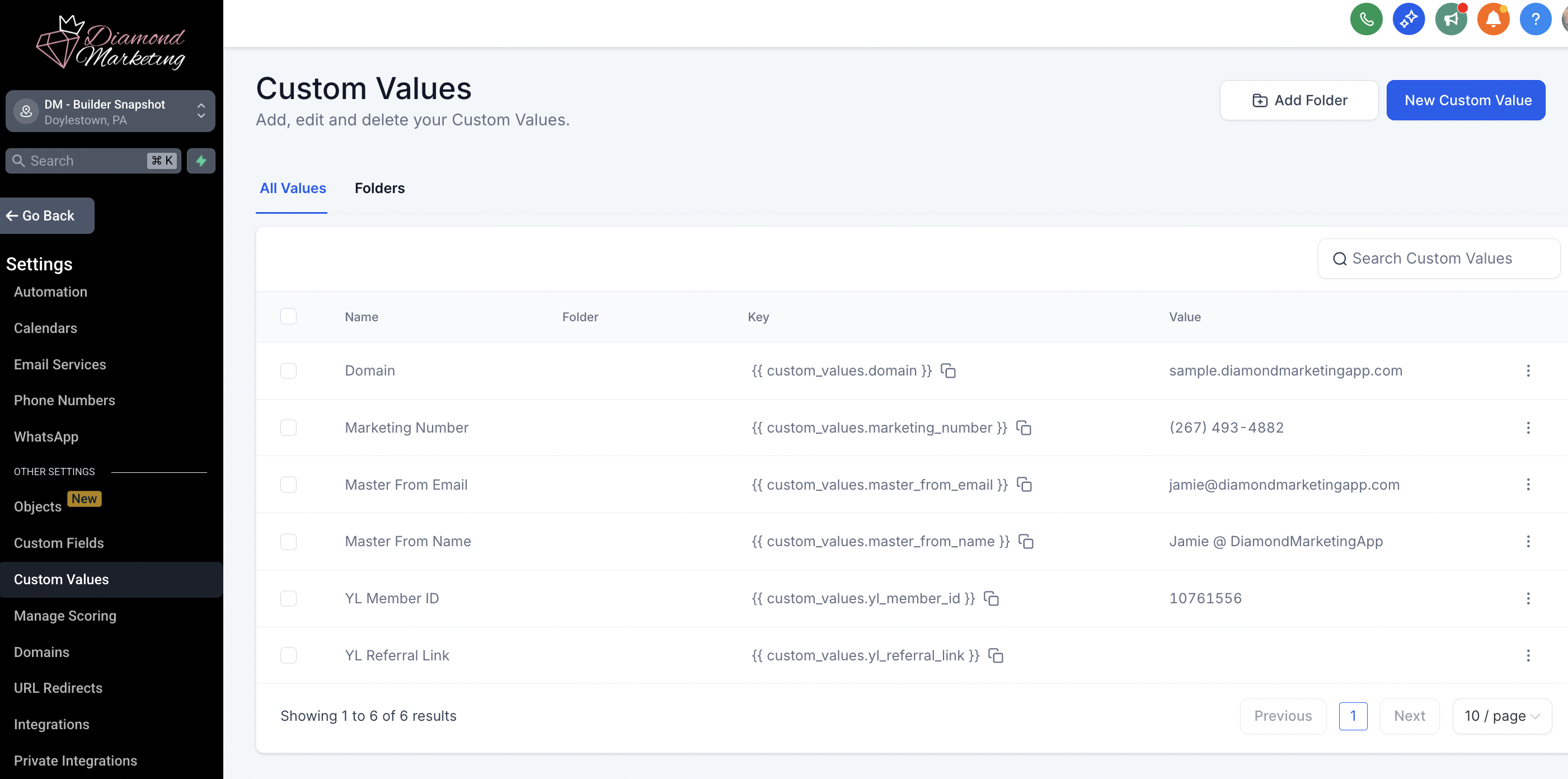
Step Three: Once connected, navigate to Custom Values and add in the domain value.
Complete List of Your Pre-Loaded Webpage Templates
There are three pages that are meant to be personalized:
Get Started Here Page: Shares about you, three bundles you recommend, links to join all your classes, and to subscribe to your newsletter, plus a button to book a call with you. We suggest you add your photo and bio (in place of the placeholder photo and aromatherapy text).
Lesson: Set Up Your Get Started Here Page
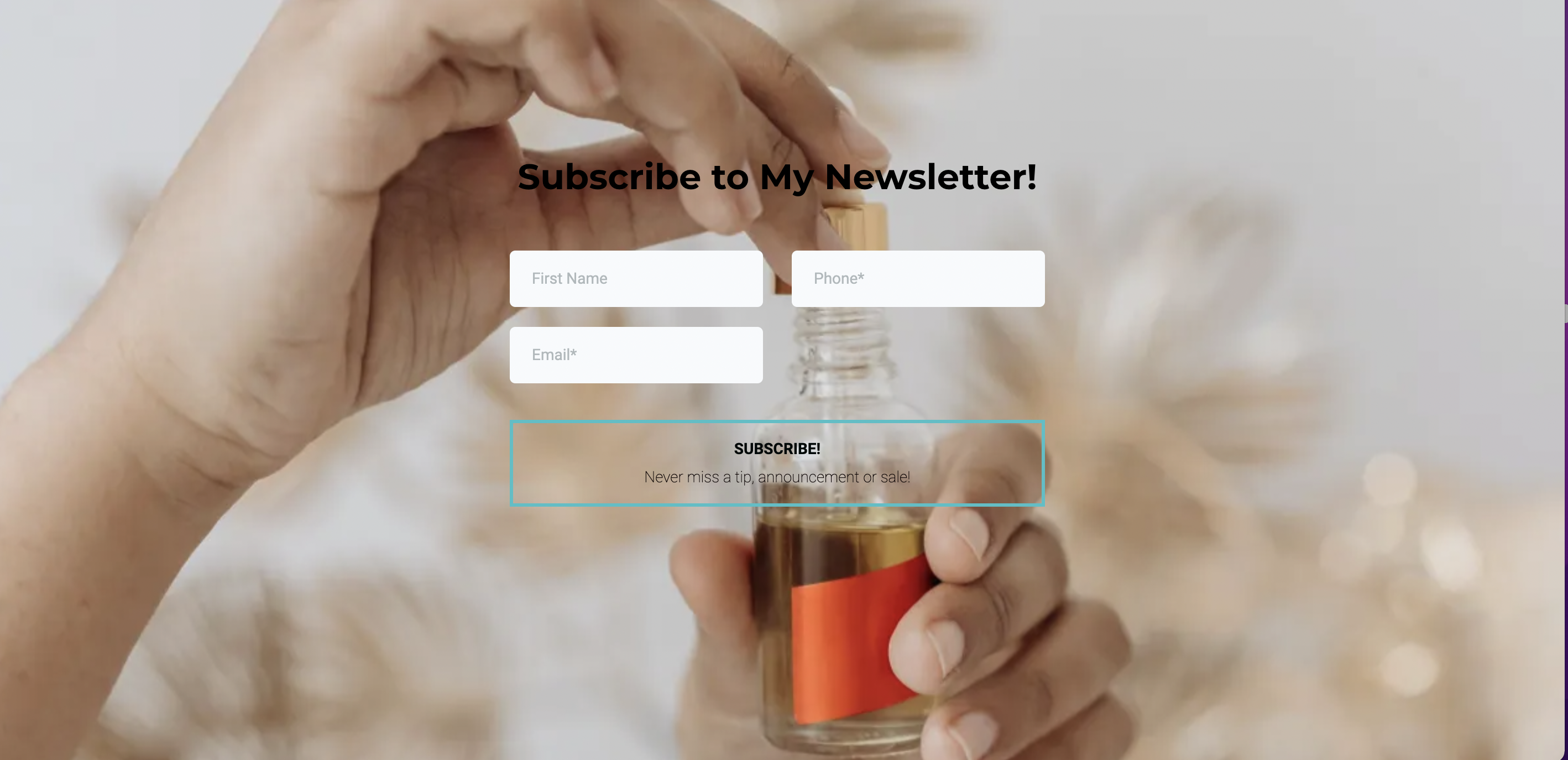
Newsletter/Email Subscription Page: This page builds your email list. We suggest you swap the placeholder photo with your photo.
Lesson: Set Up Your Email Subscription Page
Calendar Booking Page: This page lets you link your calendar for customers and BPs to book care calls with you! We suggest you add your photo and integrate your Google calendar so you can seamlessly schedule calls! See below for step-by-step instructions on integrating your calendar.
Lesson: How to Integrate Your Calendar and Link to your Booking Page
Your Class Opt-In Pages:
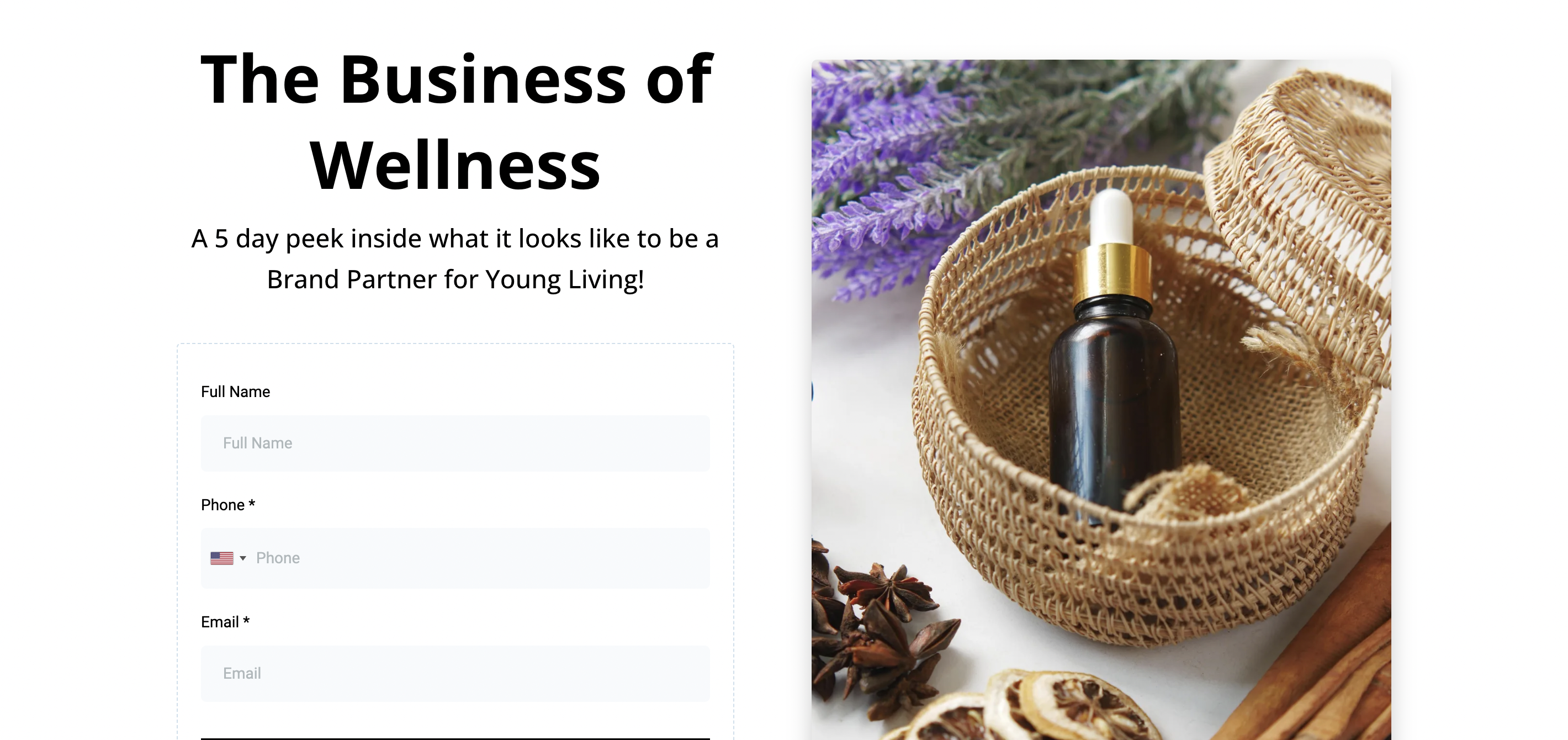
You can use these landing pages in two powerful ways:
✅ In Your Email Newsletters– Replace the usual “text this word” call-to-action with a direct link to the landing page for your Class of the Month. It’s a seamless way to get more clicks and sign-ups!
✅ On Social Media– Want more contacts to take your class? Share your landing page link in your bio, posts, or stories. Even better: connect it to our ManyChat feature so followers can send you a keyword (like “CLASS”) and get the link automatically in their DMs!
📚 For help setting up the social media automation, check out the Social Media Integration lesson inside your account.
What each page looks like:
Wellness for Less (Loyalty Rewards) Class
14-Day Reset Complete Guide Email and Daily Reminders
If you are on the Modern + Co Team: You also have these additional Opt-Ins for Annie's exclusive classes:
The Mentorship
Ningxia
Oils + Emotion
Inner Beauty Collagen
Class Wishlist Shopping Pages:
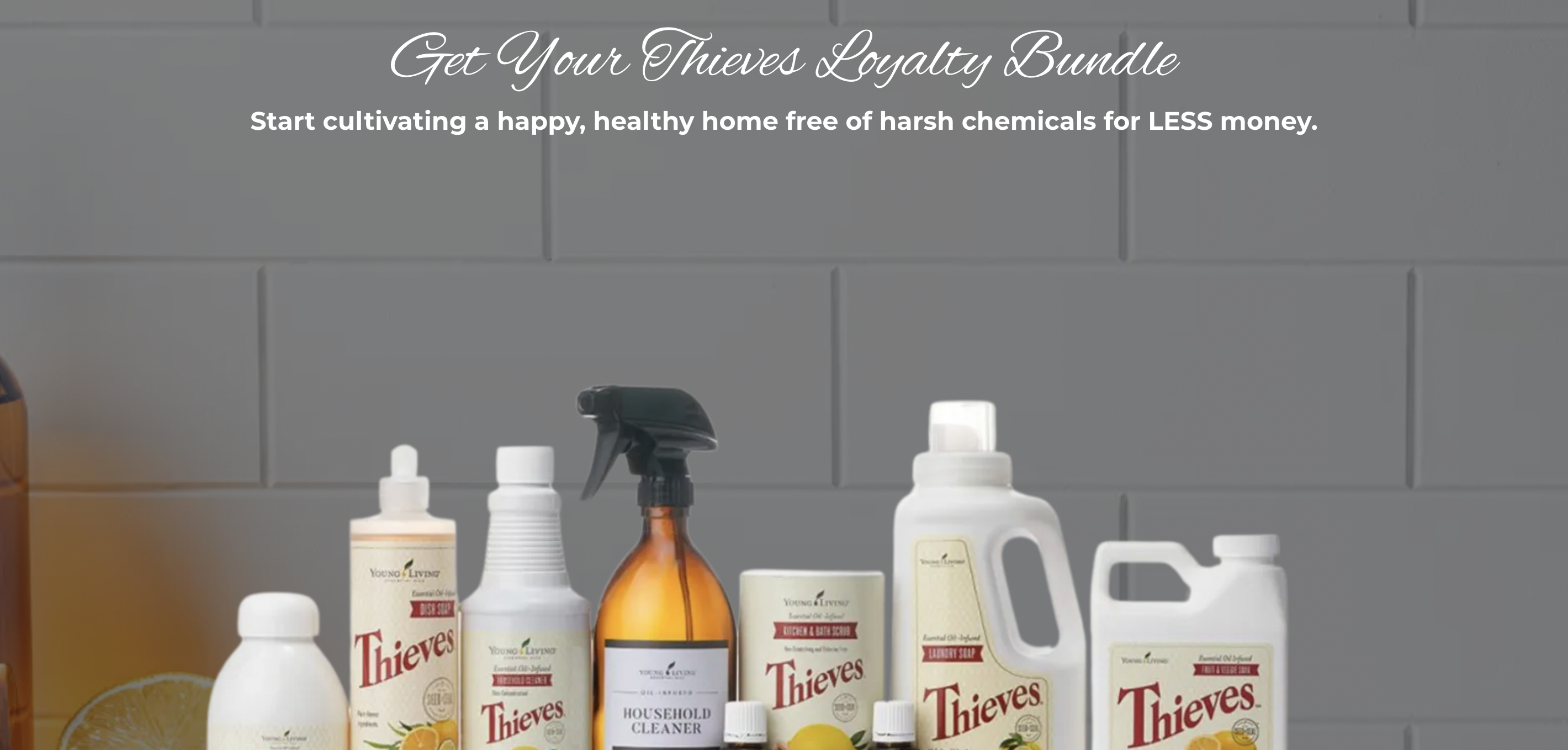
✨ These landing pages are already built into the end of your Diamond Marketing classes—so when a contact finishes a class, they’re guided to a beautiful, curated page where they can choose what they want before heading to your wishlist!
🛍️ Each product is showcased with stunning visuals and click-worthy descriptions to help sell the value of every item featured in your class.
📲 Want to share them outside the class? You can also link these shopping pages on social media or use our
ManyChat feature Social Media Integration to automatically send them to followers when they message you a trigger word!
It’s all about making shopping simple, fun, and super clickable. 💥
What each page looks like:
Wellness for Less (Loyalty Rewards) Shopping Page
Modern + Co Shopping Pages:If you are on the Modern + Co Team: You also have Shopping pages for
Ningxia
Oils + Emotion
Inner Beauty Collagen
Your Lead-Magnet Pages:
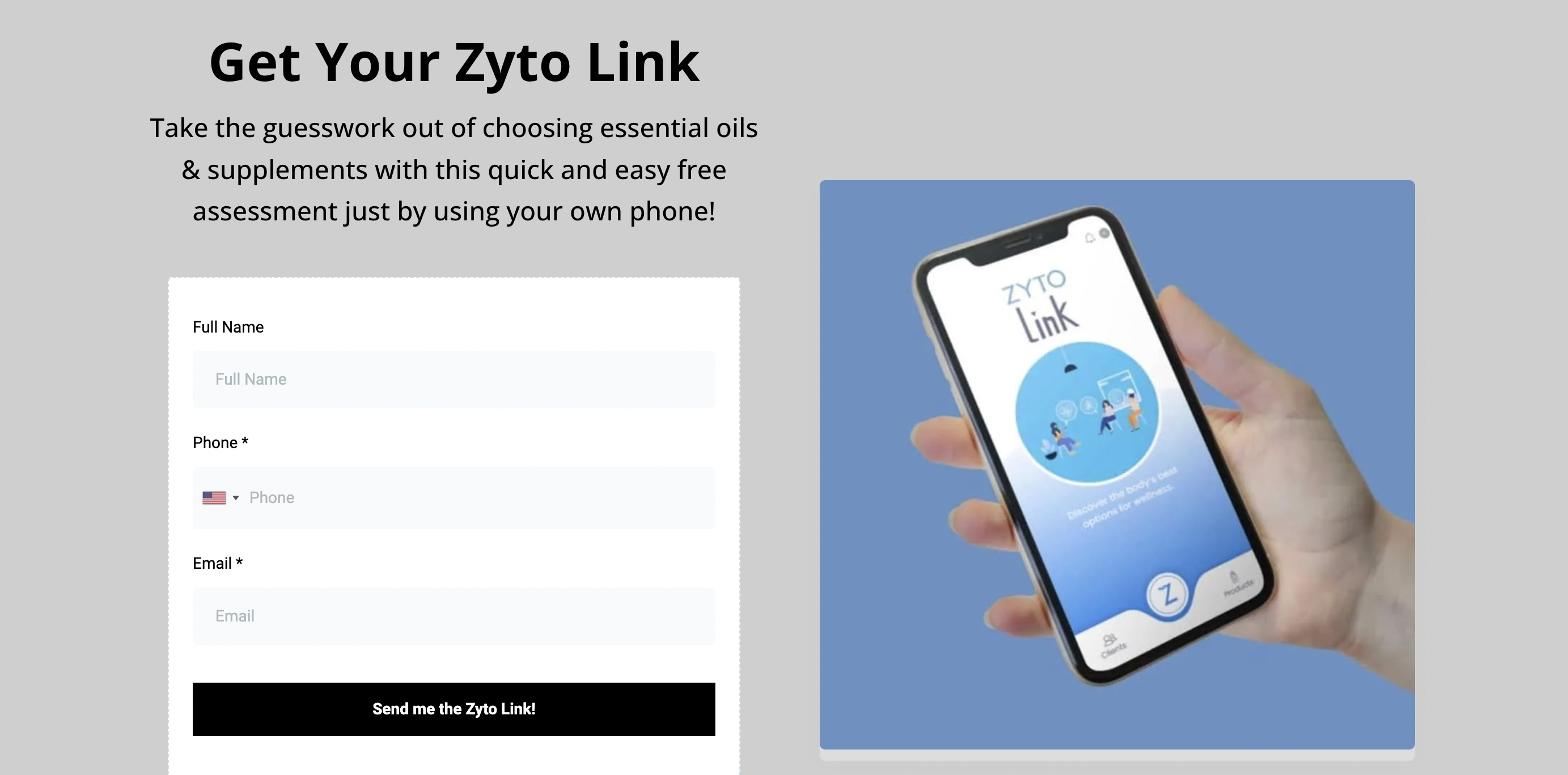
Your Lead Magnet Pages are pre-built, customizable tools designed to help you grow your list, engage your audience, and share value-packed content with ease—online or in person! These pages link a pre-built form that will trigger valueable information for your contact to opt-into.
Your In-Person/Vendor Event Lead Magnet
Gives leads your weekly text tips in exchange for an event giveaway entry.
Texts and emails contact your personal zyto link and then your calendar booking page to discuss the results.
Compiles blog articles written inside of Diamond Marketing
Health Share Complete GuideLead Magnet Email List
Shares an email on what health shares are, how you can use them and the YL Plans to choose from.
Referral Link Generator Page
Send Customers and BPs their custom referral link automatically!
How to Link to Your Webpages
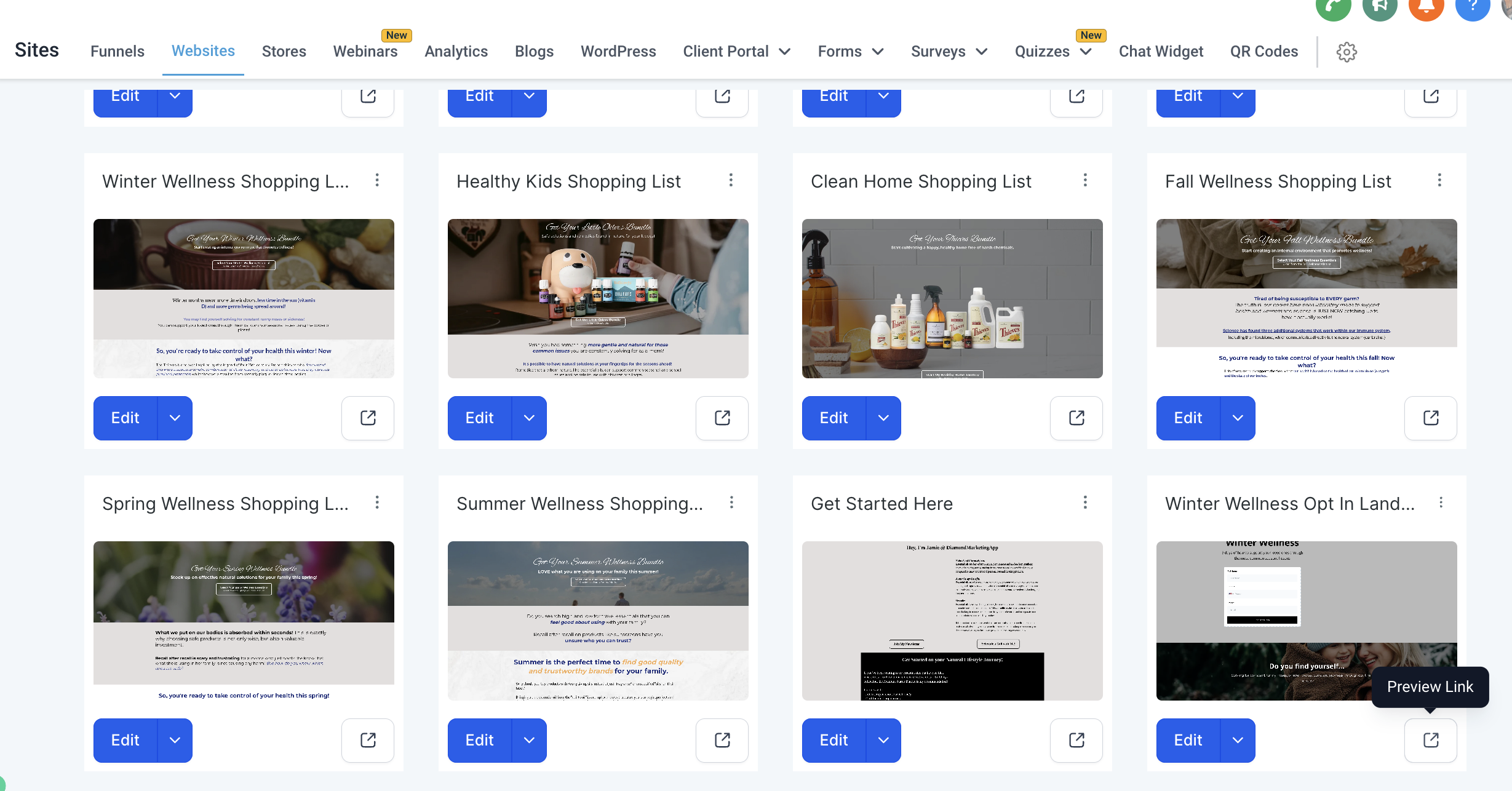
To use any of your webpages, follow the below steps:
Head to the SITES tab inside Diamond Marketing
Click on WEBSITES in the top menu and then click LANDING PAGES
Scroll to the page you want and click the preview box
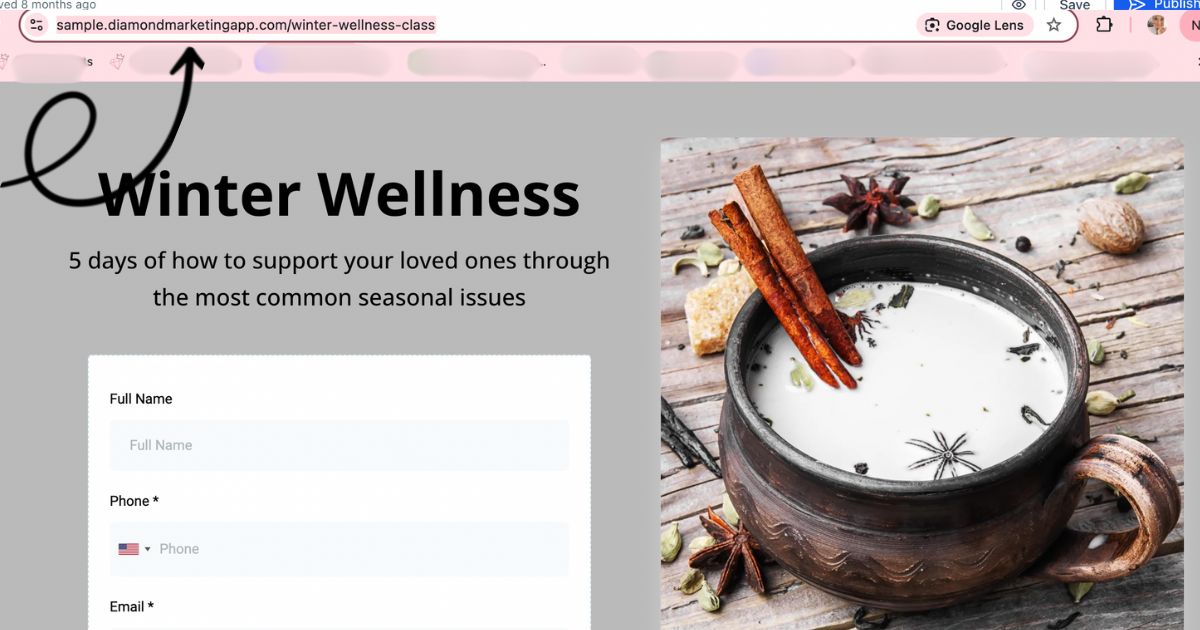
Copy your page link
Diamond Marketing is a customer care platform design for Young Living Brand Partners. All content provided by Diamond Marketing is the property of Diamond Marketing App LLC and cannot be copied or redistributed outside of Diamond Marketing. without prior consent.