Diamond Marketing Class:
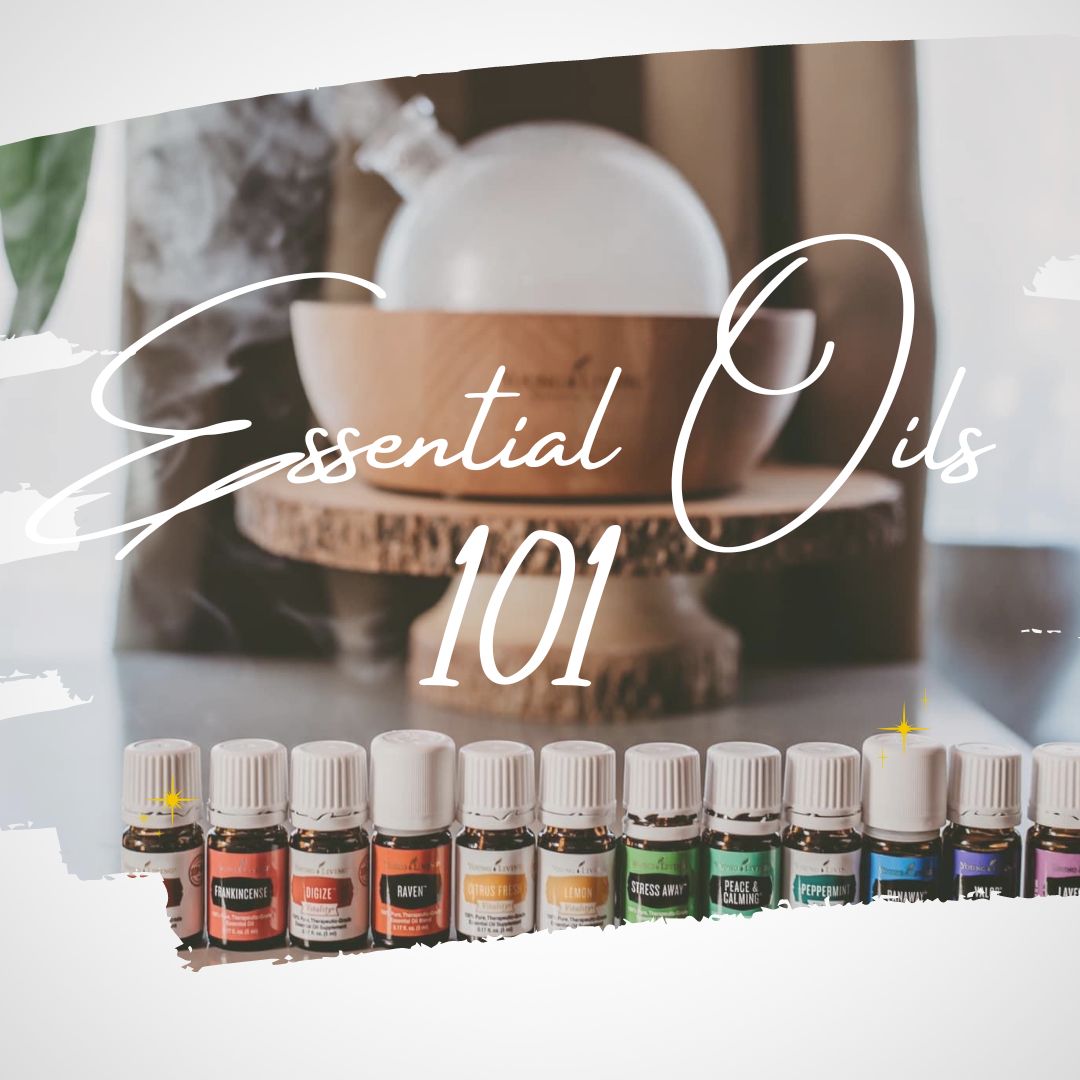
Essential Oils 101
Demystifying the world of oils and sharing beginner recipes and blends
Whether your contacts are curious, skeptic newcomers, or seasoned oil users, this class is their gateway to unraveling the secrets of essential oils and integrating them into their daily lives.
The Workflow: Essential Oils 101
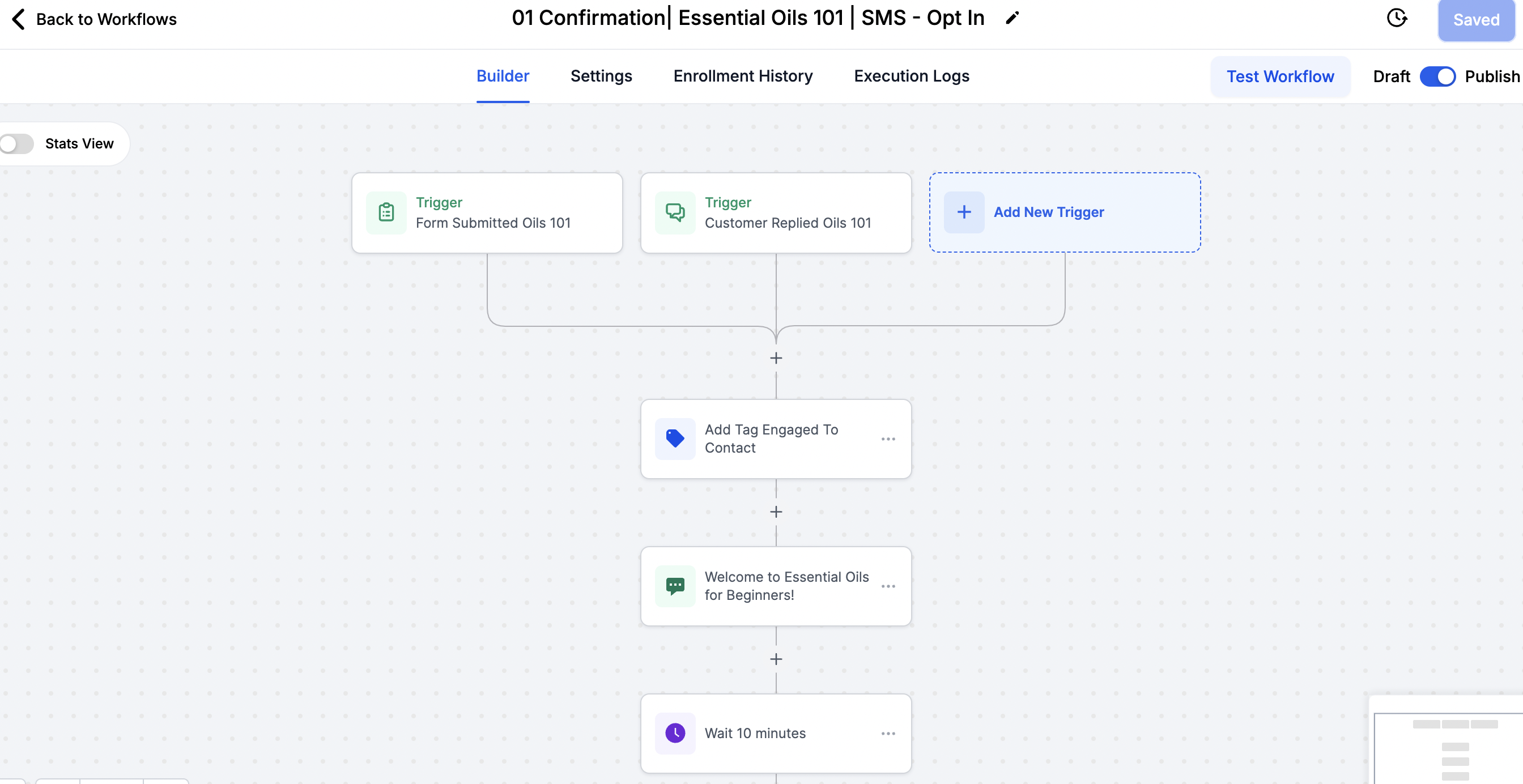
The Opt-In: When a contact opt-s into your class via a trigger word OR opt in landing page, they receive an immediate text confirmation. In each class folder the "opt-in" is labeled 'Confirmation'.
Text Trigger Word: OILS 101
Modern + Co Text Trigger Word: MODERN OILS
Form Trigger: (for Leader & Mentor Plans) See a sample here
How to Grab Your Webpage Link lesson.
Social Media DM Trigger: (For Leader & Mentor Plans)
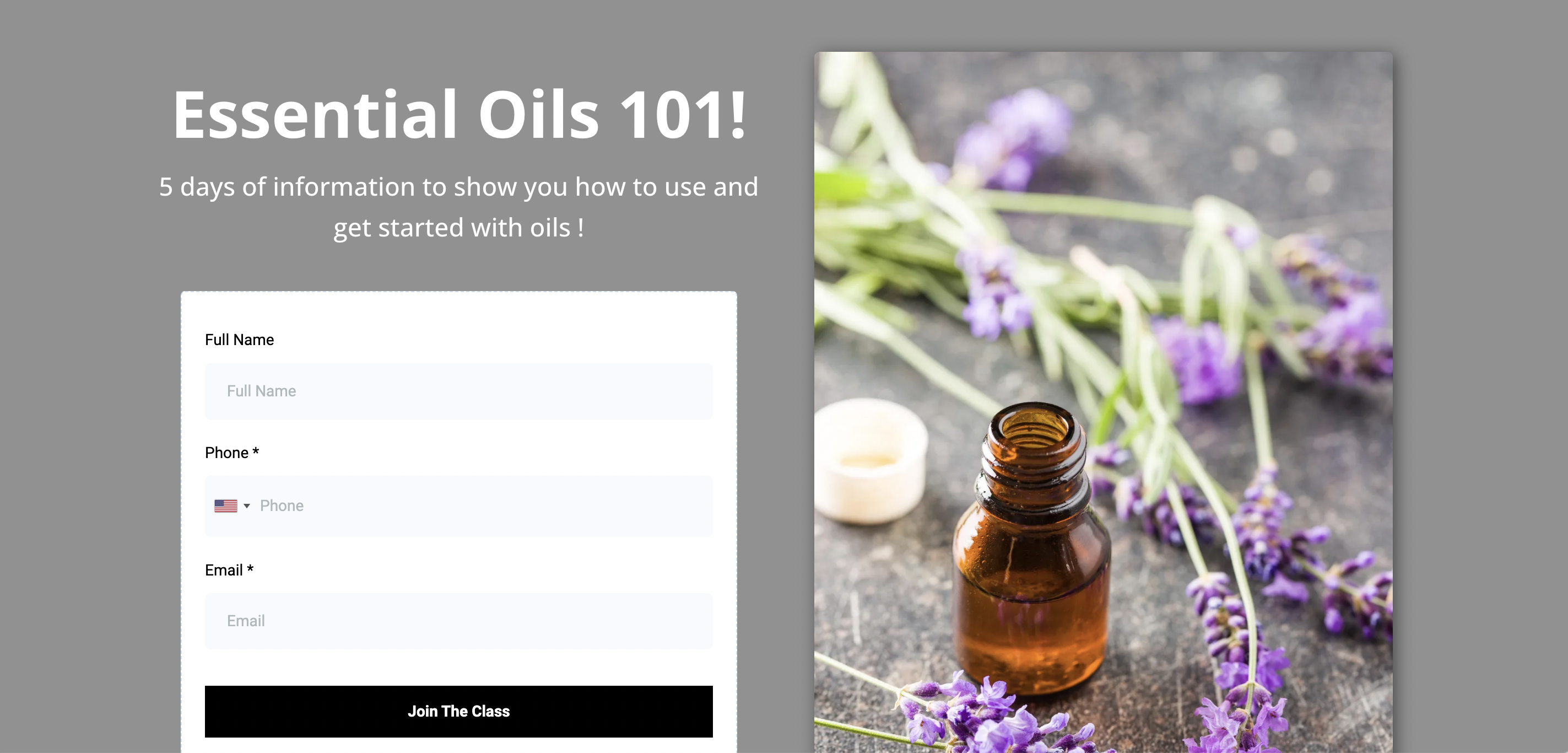
Class Opt In Page: GO NATURAL
Class Shopping Page: SHOP NATURAL OPTIONS
Email Trigger Word: OILS 101
Modern + Co Email Trigger Word: MODERN OILS
Sends the Beginners Guide to Essential Oils (Oils 101 Class Outline Email)
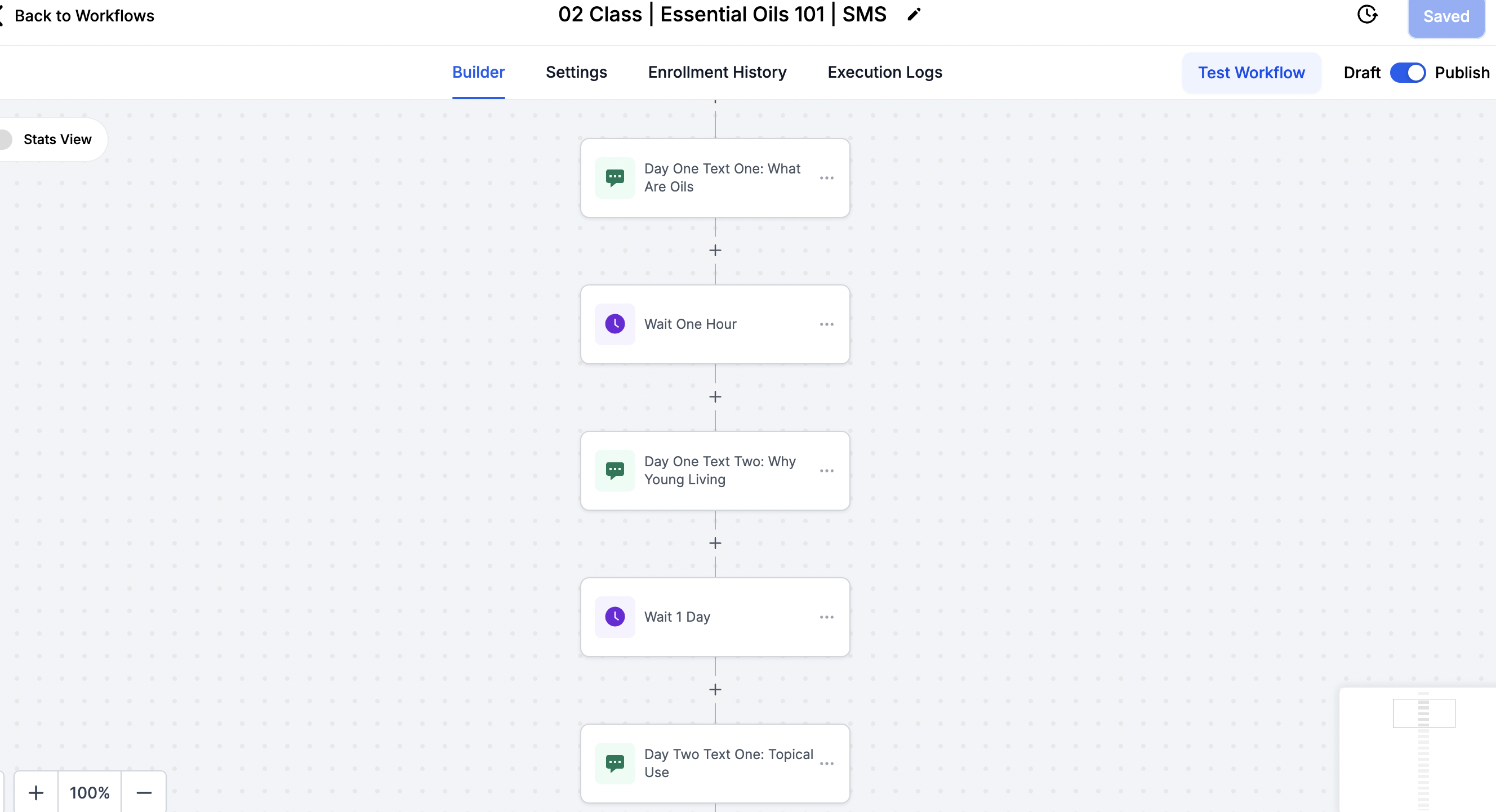
The Class Content: Our classes will send between 12:00 pm and 7:00 pm (your time) so that they are never being delivered to your contacts at weird hours!I Each class is 2 texts a day for 5 days.
The Curated Class Wishlist: A wishlist that includes EVERYTHING mentioned in the class is added at the end of the class. For US subscriptions, this link uses our custom values feature to auto-populate your member ID into the link!
Wishlist: Oils 101
M+Co Wishlist: Modern Oils
The Stay In Touch Post: This text gives the class attendee a call to action to stay in touch with you and join your weekly tips so you can capture more contacts to easily send value to on a weekly basis.
Lesson: Personalize the Content: Use our structure-replace with your own content!
The Email Outline/Guide
These comprehensive guides, or "Complete Guides," are designed to provide in-depth insights on various topics to educate and empower your audience. Each guide is triggered by a specific email reply keyword and sent via the "Email Class Opt Ins" workflow. Here’s how it works and the details for each guide:
How to Use Email Guides:
Trigger Words: Recipients can reply to any email from you with the specific trigger words to opt into an email class.
The trigger word activates the "Email Class Opt Ins" workflow, which automatically delivers the corresponding guide.
Social Media Triggers (Leader & Mentor Plans): Subscribers with a webpage plan can create social media triggers as lead magnets. These triggers will direct leads to reply with specific keywords on social media, and can activate the corresponding email guide to be sent automatically, Lesson to Create your own social media workflows here.
Oils 101 Guide:
Workflow links the Email Template- Outline | Essential Oils 101 Class
You can find this template inside of the Marketing Tab, under Email Templates and inside the Class Outlines/Previews/Email Classes folder.
Topic: Essential oils basics, including how to use them safely and effectively.
Customization Options:
Guides can be tailored to include personal product recommendations, seasonal promotions, your header or email signature, etc.
Adjust the messaging based on your team.
Create a Campaign:
Select the three dots next to the email template and send the Email Guide to contact tags, smart lists or individual contacts.

The Shopping Landing Page
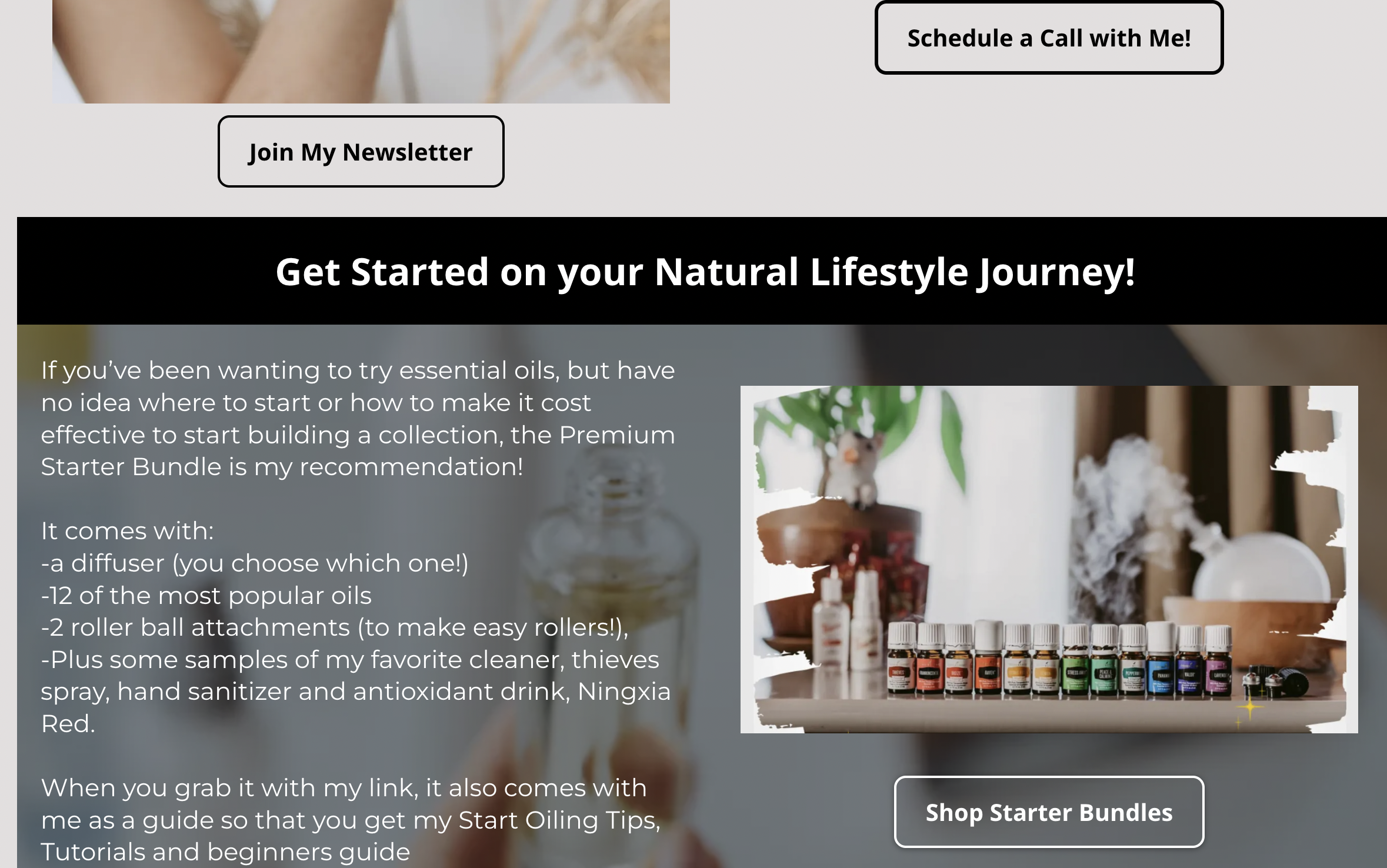
Shopping webpages are linked at the end of all your DM classes when you have a Leader or Mentor Plan. Contacts can review & select what they want from the class prior to heading to the wishlist!
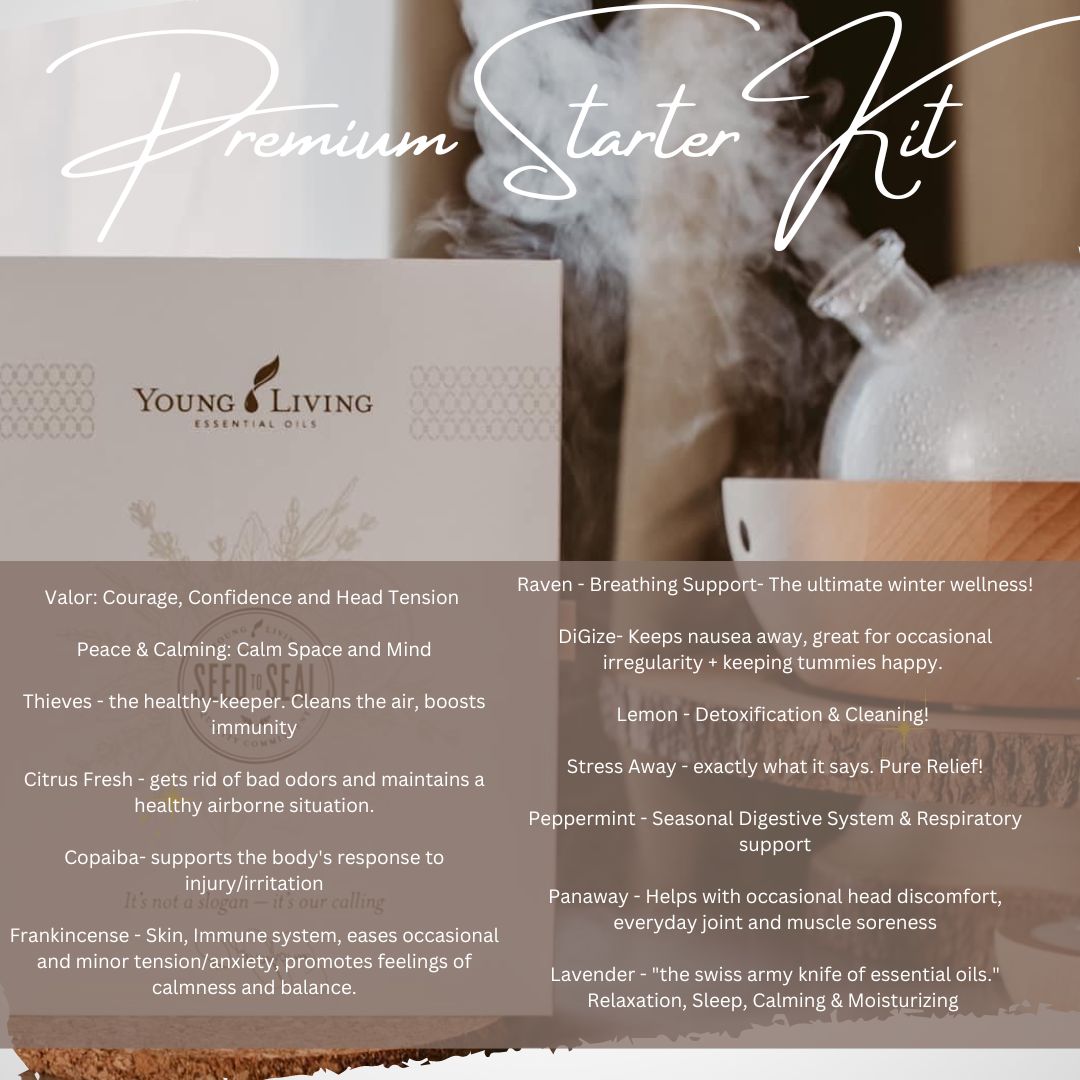
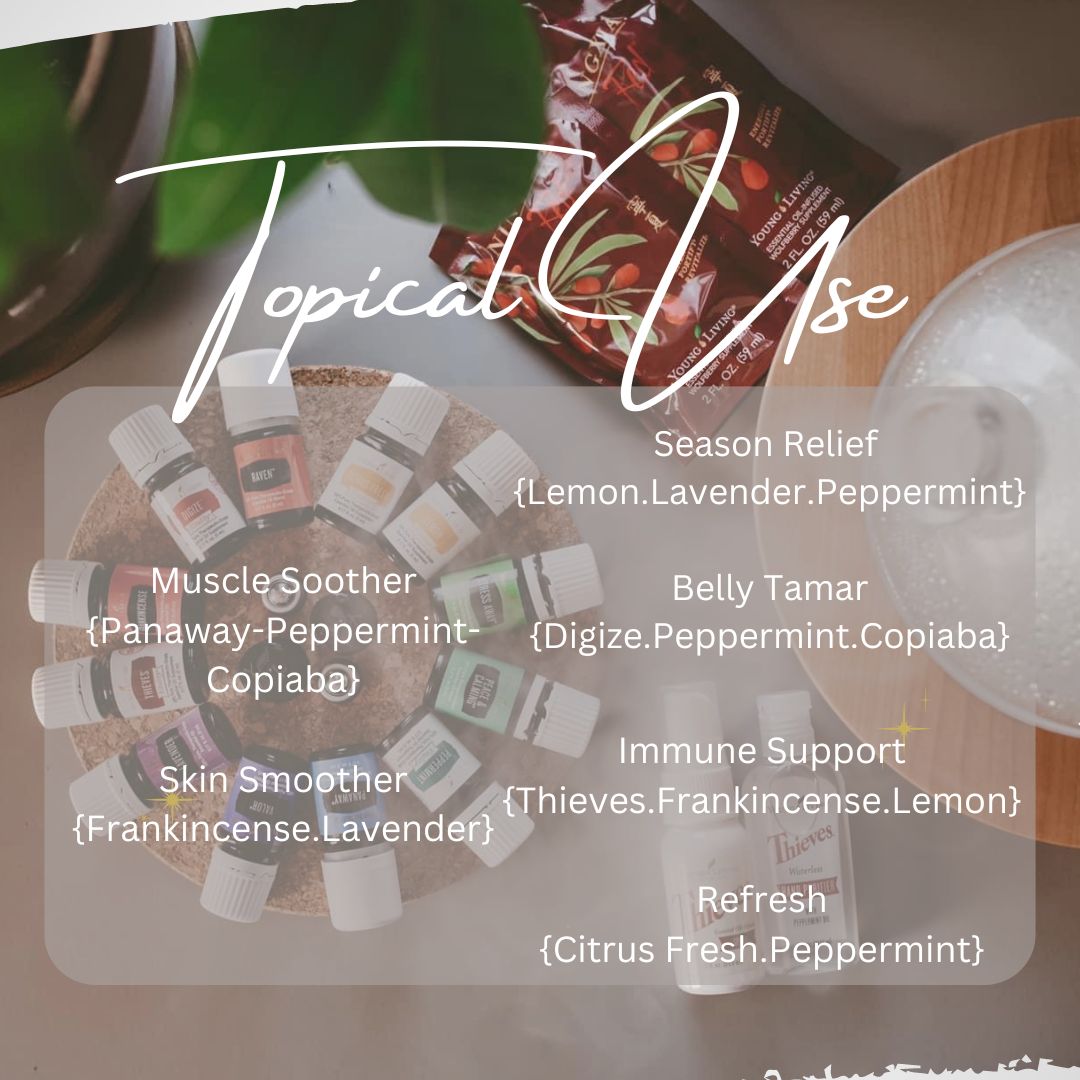
We sell each item from your class a little more on these pages, with beautiful pictures and click-worthy descriptions!
You can also link these shopping pages on social media and send them automatically to followers using our Social Media Integration (ManyChat feature)
Sample Shop the Essential Oils 101 Class


Diamond Marketing is a customer care platform design for Young Living Brand Partners. All content provided by Diamond Marketing is the property of Diamond Marketing App LLC and cannot be copied or redistributed outside of Diamond Marketing. without prior consent.